for people who save their competitors' ads

Saved an ad that works? Upload it.
raw2ads takes it apart and rebuilds it with your clips.

It explains how the ad is built, beat by beat, and saves its structure. Then it fills it with your footage and with words written for your product: up to 80 videos per batch, in 9:16, 4:5 and 1:1.

Try it on my videos

14days to try it on your own footage. If it doesn't give you ads you can upload, you get it all back.

$29/month instead of $49 · cancel anytime, in one click

the ad that works
their ad
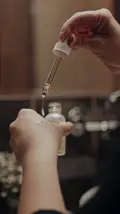
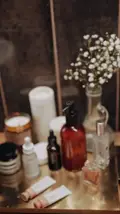
dropper, bathroom
its structure
hook · 0-3 sProblem
body · 3-9 sProduct demonstration
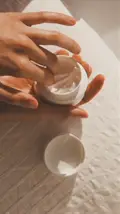
body · 9-14 sTestimonial
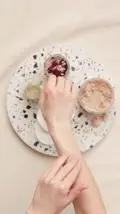
CTA · 14-18 sOffer
with your clips
your clips
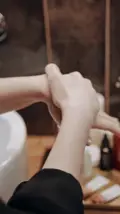
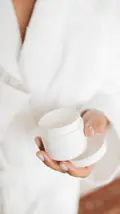
jar, bathrobe
example · same structure, another product, your footage
the problem

You know why it works.
Then you rebuild it from scratch.

Ad analysis tools tell you the hook, the pace, the offer. Then you need an editor, the right footage and a week. Or an AI generator that remakes everything with actors and scenes that aren't yours. The people who sell these tools say it themselves:

“$300-$600 and two-week turnarounds with hired creators.”

an AI video generator, on what rebuilding a competitor's ad costs the usual way

“An ad that is still running after weeks or months is a stronger signal than one that has just launched.”

an ad management platform, on which ads are worth rebuilding

The other way, AI generators:

“Every visual is regenerated with your own product, cast, and brand identity.”
“Nothing from the competitor's footage is reused.”

an AI video generator, on how it rebuilds a competitor's ad

raw2ads keeps the shape and leaves the footage to you: your product, your hands, your place. No actors, no generated scenes, unless you ask for one missing clip.

the reading

You upload the ad.
raw2ads tells you how it's built.

  • 01 You: upload the ad file. Open «Winning ads» and press «Analyze an ad». Pick the video and give it a name (brand, campaign, ad name), or press «Keep the file name».
  • 02 raw2ads: takes it apart. It takes a few minutes, with a progress bar at the top. Then «How this ad is built» opens: first the whole ad (promise, mechanism, proof, audience, objection, close, rhythm, why it works), then every beat with its role, its seconds, its script and its technique.
  • 03 You: one tap to use it. Press «Use this structure with my clips». The structure is saved and filled with your footage. Or press «Save as structure» and use it later: it stays in «Your structures», for every product.
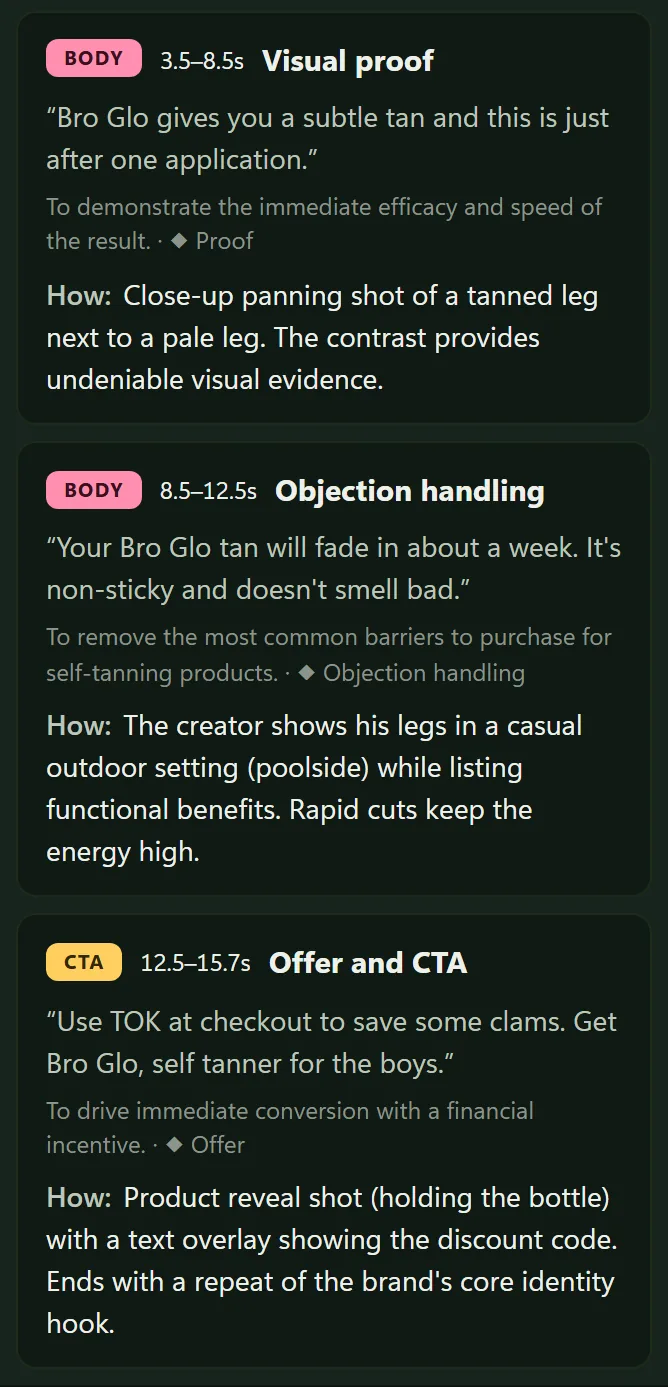
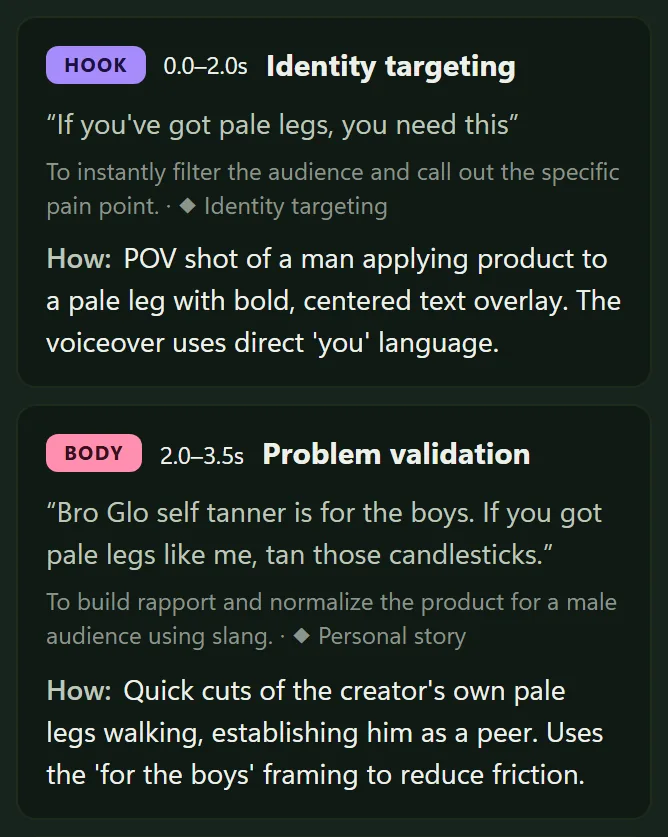
The first two steps of a real raw2ads read of the Bro Glo self tanner ad: the hook at 0.0 to 2.0 seconds, "If you've got pale legs, you need this", and the body at 2.0 to 3.5 seconds. Each step shows its role, its seconds, the words said, why it works and how it is shot. Everything is in English: the notes written by raw2ads and the ad's own words.
See all 5 stepsShow fewer The last three steps of the same read: proof at 3.5 to 8.5 seconds, objection at 8.5 to 12.5 seconds and the CTA at 12.5 to 15.7 seconds, with the discount code. Everything is in English: the notes written by raw2ads and the ad's own words.
A real raw2ads read of a public ad · This is example 04, Bro Glo, taken apart in full
the structure, with your clips

One tap, and the structure
is filled with your footage.

  • It opens ready. «Use this structure with my clips» opens «Compose» on «Create combinations» with the structure already picked. raw2ads suggests 12 videos at a time from your clips, and edits up to 80 per batch.
  • The missing beat, in plain sight. Every beat has its function (Problem, Product demonstration, Testimonial) and takes only the clips with that function. If none of your clips has it, the beat is marked as missing: you know what to shoot.
  • Three ways to cover it. Shoot the missing clip with your phone and upload it. Or, with «Use any body clip», that beat uses any of your body clips. Or press «Generate this clip»: «AI clips» opens with the prompts already written, on your own Higgsfield or fal.ai account.
  • raw2ads suggests the words. For each beat, raw2ads suggests what to say, starting from what the saved ad said at that point and from your product page. You edit them wherever you want. The voice reads them and adds captions. If your clips already talk, you can keep their voice.
Create combinationsstructure: the ad you took apart
hook Problem3 clips
body Product demonstration2 clips
body Testimonialmissing
Use any body clipGenerate this clip
CTA Offer2 clips
12 videos suggested4 ticked · «Create 4 videos»
example · none of your clips is a testimonial: the beat stays missing until you shoot it, generate it or use another clip
Try it on my videos $29/month instead of $49 · 14-day guarantee, full refund
not copying

You take the shape.
The footage is yours.

raw2ads reads the structure of the ad: the order of the beats, the role and the seconds of each one, what each beat has to do. It rebuilds that skeleton with your clips.

you take
  • The order of the beats
  • The role and the length of each beat
  • What each beat has to do: problem, demo, proof, offer
you leave
  • Their video
  • Their words
  • Their product

“You reuse the other brand's image, footage, logo or exact words. That is copying.”

an ad management platform, on what an ad clone tool should not do

The pieces of someone else's ad only go into your catalog if you add them. After the breakdown press «Discard proposal»: the structure stays, and the video you uploaded is visible only to you.

your own winners too

Upload one of your old winners.
Its pieces become the next ads.

  • Its pieces, as clips. After the breakdown, «Clips» shows «External ad analyzed: N proposed clips to review». Press «Review»: in «Ad breakdown» every piece is ticked. Untick, rename or change the role of each one, then «Add N clips to the catalog».
  • Its structure, for every product. The structure stays in «Your structures» and works with the clips of any product in your workspace.
  • From a video you made in raw2ads. A structure can also be saved from one of your own videos, in «Clips», tab «Footage».
Ad breakdown
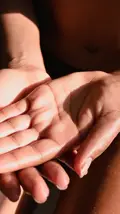
the dry hand hook
cream from the jar body
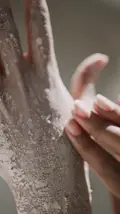
the hands after body
the jar in hand CTA
Add 4 clips to the catalog
example · every piece ticked, you choose which ones to keep
what you need

The ad you saved and your footage.
No editor, no actors.

you don't need
  • An editor
  • To know how to edit
  • Actors or AI avatars
you need
  • The video file of the ad you want to rebuild
  • Your footage: product shots, old ads, UGC, screen recordings
  • For the missing beats: your phone, or your own Higgsfield or fal.ai account

You get: the reading of the ad, its structure saved, and the videos rebuilt with your clips and words for your product, with voice and captions, in 9:16, 4:5 and 1:1, each with its code in the name so the report reads back. You download them, or raw2ads uploads them paused to your Meta ad account.

Limits, said plainly

pricing

One plan. This month we open 30 seats.

$49 a month. This month, 30 seats at $29, locked in for as long as you keep the subscription. As one of the 30, you'll get five quick questions after two weeks, optional, two minutes: your answers help decide what gets built into raw2ads next.

$29 a month: every ad you saved becomes a structure to fill.

14 days, on your own footage

Try it on the clips you already have. If it doesn't hand you ads you can upload, email hello@raw2ads.com within 14 days and you get the full amount back. No conditions on how much you used it, no form to fill, and it has nothing to do with the check-in above. Cancel anytime, in one click.

30 seats · this month
$49$29/month

The price you lock today stays yours while you keep the subscription. Annual: $290/year, two months free.

  • The skeleton of any winning ad you upload, a competitor's too, filled with your clips
  • Hook × Body × CTA composer and hook tests: up to 80 videos per batch, one variable at a time
  • 9:16, 4:5 and 1:1 in one download, reframed to keep the face in shot
  • Optional AI clip generation with your own provider account (BYOK)

Also included:

  • Upload files or paste a Drive or Dropbox link, with automatic cutting and AI tagging on every clip
  • Generate video: ads written and edited from a brief or a product link, with your clips
  • Best Take: one to three recordings in, one subtitled video out, ready to post
  • Posting to Facebook, Instagram, TikTok and YouTube straight from the app, now or scheduled up to 180 days ahead
  • Swap one hook, body or CTA and every ad that uses it is rebuilt
  • Captions that spell your product right: fix a word once, it's fixed in every ad
  • Voice-over and captions in 70+ languages, for ads and posts, edit untouched
  • Ads uploaded to your Meta ad account, paused, ready for you to check
  • Your Meta report read back: cost per result per hook, body and CTA
straight answers

Questions before you try it.

Can I paste the Ad Library link?
No: you need the video file. The Ad Library has no download button: use the tool you save ads with (Foreplay and similar tools download them), a free browser extension, or record the screen while the ad plays. Then upload it in «Winning ads» with «Analyze an ad».
I haven't saved an ad yet. Where do I start?
With the eight examples already taken apart: ads that ran 10 to 27 months, with their structure beat by beat. Pick the one closest to your product and get its video like any Ad Library ad.
How many ads at a time?
One at a time. Every reading stays in «The ads you took apart», and every structure in «Your structures».
What if I don't have the right clips?
The beat with no clips is marked as missing, so you know what to shoot. Meanwhile, with one tap, that beat can use any of your clips with the same role (hook, body or CTA), or you generate it with «Generate this clip».
Is it copying?
No. You take the order of the beats, their roles and their timing. Not their video, their words or their product: every clip in the rebuilt ad is yours.
Do I need to know how to edit?
No. raw2ads fills the structure with your clips, suggests the words for each beat and edits the videos. You change what you want, tick the videos you like and press «Create N videos».
Which formats?
9:16, 4:5 and 1:1 in one download, with captions. You can also upload them paused to your Meta ad account.
Do the videos stay mine?
Yes. The ad you upload and your videos stay in your private workspace, never in a library shared with others.

You already saved the ad that works.
Now rebuild it with your clips.

Claim a seat
$29/month instead of $49 · 14-day guarantee, full refund